

Banking Safely on Your Smartphone

Banking Safely on Your Smartphone
Mobile banking makes it easy to manage your money wherever you are. But just like your computer, your smartphone should be protected. A few simple habits can help keep your financial information secure.
6 Ways to Bank Safely
- Keep your phone updated: Install software and app updates as soon as they’re available. Updates often include important security improvements. If your phone becomes out of date and can no longer receive updates, consider replacing it with a newer model.
- Use a strong screen lock: Protect your phone with a PIN, password, fingerprint, or facial recognition.
- Use the official banking app: Download your credit union’s mobile app from the official Apple App Store or Google Play Store, and avoid apps from unknown sources.
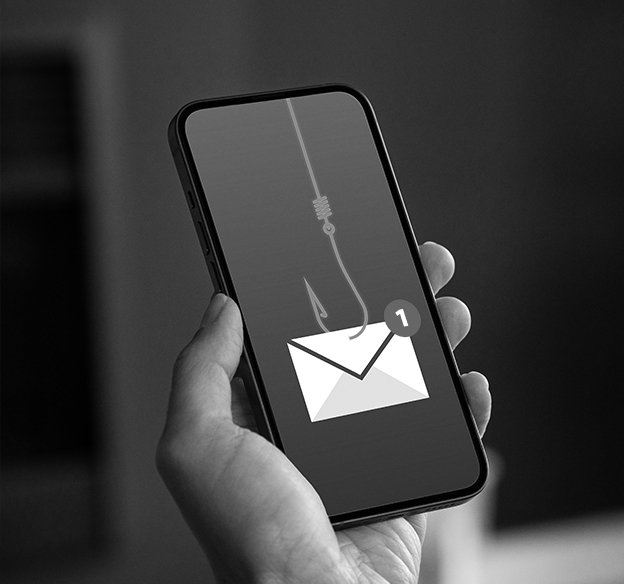
- Be careful with links: Don’t click unexpected links in texts or emails claiming to be from your credit union. When in doubt, open your banking app directly.
- Monitor your accounts: Check your account activity regularly and use transaction alerts when available. If you see something you don’t recognize, report it promptly.
- Use 2FA: Whenever possible, use Two-Factor Authentication (2FA) to log in to sites and apps. This includes text message codes and biometrics such as facial recognition.
A Little Extra Protection Goes a Long Way
Your smartphone gives you convenient access to your finances, so it’s important to keep it protected. Stay updated, use strong security settings, and think twice before clicking unexpected links.
If you lose your phone or notice suspicious activity on your account, contact us as soon as possible. We’re here to help keep your money and information safe!